Protect specific accounts from being unfollowed, or permanently block accounts from being followed.
Whitelist and Blacklist
Overview
The Whitelist and Blacklist give you precise, per-account control over who Oxelio will and won't interact with — beyond what Interaction Filters can express with rules alone.
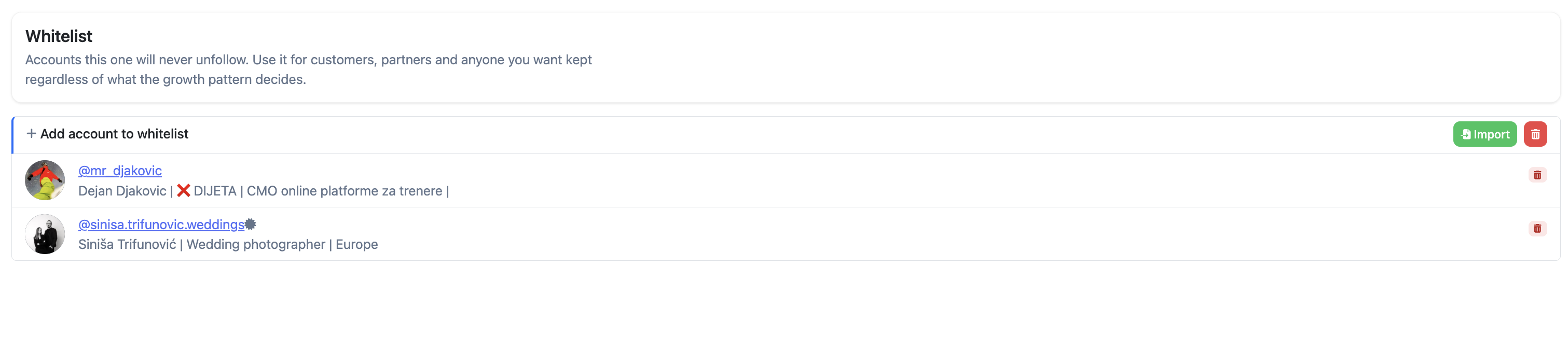
- Whitelist — accounts on the whitelist will never be unfollowed by Oxelio, regardless of whether they follow back.
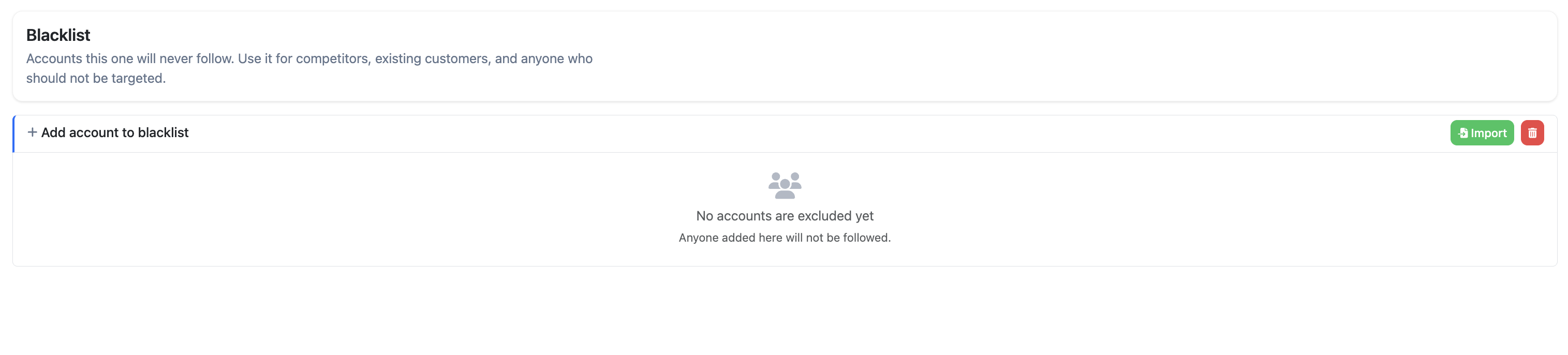
- Blacklist — accounts on the blacklist will never be followed by Oxelio, even if they appear in a source's follower pool.
Both lists apply only to accounts Oxelio followed or unfollowed itself. Accounts the client was already following before joining Oxelio are automatically whitelisted — Oxelio will never unfollow them.
How it Works
The whitelist and blacklist are checked at the moment Oxelio evaluates each account for a follow or unfollow action:
- Before following an account, Oxelio checks the blacklist. If the account is there, the follow is skipped.
- Before unfollowing an account, Oxelio checks the whitelist. If the account is there, the unfollow is skipped — the follow is preserved indefinitely.
If the client manually follows someone on Instagram while Oxelio is running, Oxelio has no way to distinguish that from a follow it made itself — it will treat it as a normal follow and may eventually unfollow it. To protect those accounts, the client needs to add them to the whitelist manually.
Whitelist
Blacklist
What to Expect
Whitelist and blacklist entries take effect immediately. Accounts already queued for a follow or unfollow action may still be processed if they were queued before the entry was added — subsequent actions will respect the list.
How to Configure
- Open the account from the dashboard.
- Go to the Whitelist and Blacklist page.
- To add a single account: click + Add account to whitelist (or blacklist), enter the Instagram username, and confirm.
- To import multiple accounts at once: click Import and upload a list of usernames.
- To remove an entry, click the red delete icon next to the username.
Dashboard Settings
| List | Effect | When to Use |
|---|---|---|
| Whitelist | Prevents Oxelio from ever unfollowing this account. | Client contacts, collaborators, accounts the client manually follows and wants to keep. |
| Blacklist | Prevents Oxelio from ever following this account. | Competitors, accounts inappropriate for the client's brand, previously problematic accounts. |
Best Practices
- Whitelist sparingly — only accounts where losing the follow would have a real consequence. A very long whitelist effectively carves out a large portion of the account's following from automation.
- Use the blacklist proactively for known competitors or accounts you never want associated with the client.
- The blacklist is not a substitute for good sources and filters. If you find yourself blacklisting many accounts, it's a signal to improve your source selection or filter criteria instead.
FAQ
Does the whitelist affect follows, or only unfollows?
Only unfollows. The whitelist prevents Oxelio from unfollowing accounts on the list — it has no effect on which accounts get followed.
Does the blacklist affect unfollows?
No. The blacklist only prevents accounts from being followed. If a blacklisted account is already being followed, it can still be unfollowed.
Are accounts my client was already following before joining Oxelio protected?
Yes. Any account the client was already following when Oxelio was connected is automatically whitelisted — Oxelio will never unfollow them.
What if my client manually follows someone while Oxelio is running?
Oxelio can't tell the difference between a follow it made and one the client made manually — it will treat it like any other follow and may eventually unfollow it. To keep that account, the client needs to add it to the whitelist themselves.
Can I add multiple accounts at once?
Yes. Both the whitelist and blacklist have an Import button that lets you upload a list of usernames in bulk.
Troubleshooting
| Issue | Next Step |
|---|---|
| Oxelio unfollowed someone the client manually followed | Oxelio treats manual follows the same as its own — add the account to the whitelist to protect it going forward. |
| Oxelio followed a blacklisted account | The account was likely followed before it was blacklisted, or was already in the queue. The blacklist prevents future follows only. |
| Oxelio unfollowed a whitelisted account | The unfollow may have been queued before the whitelist entry was added. Check the Activity Log to confirm timing. Future unfollows are prevented once the entry is in place. |
| Account doesn't appear when searching the list | Entries match by exact username. Confirm the spelling and check for leading/trailing spaces. |